Desktop / 2026 / Live
BrandForge
Custom branding software I built for my own client work, a Claude-driven brand designer over six image models. It turns a business brief into a logo and a complete brand kit, all on my own machine.
The problem
A logo is the creative part of a branding job, and then comes everything a small business actually needs from it: a favicon set, social avatars and headers, a business card, a letterhead, palette files, a guidelines page. Hours of repetitive export work after the interesting decisions are made.
And no single AI image model is best at everything. One is strongest at typography, one returns real vector SVG, one is best at editing with reference images, one at illustrative marks. Using them well meant juggling several dashboards, prompts and file formats. The web tools that promise to do this keep a client's assets on somebody else's server and charge per seat.
A brand designer, not a prompt box
The assistant is Claude with fourteen tools it can call on the project: update the brief, set the palette and fonts, generate logos through a chosen provider, view and critique the results, make variants, vectorize, remove backgrounds, write an SVG logo directly, set the master logo, and build the kit. It is briefed as a designer. It writes prompts the way a designer briefs a renderer, and it knows which model to use for which job: typography to Ideogram, vector marks to Recraft, illustrative mascots to FLUX.
Six providers sit behind one interface: OpenAI GPT Image, Google Gemini, Recraft, Ideogram, Black Forest Labs FLUX and Stability. You add only the keys you have, and both the app and the assistant adapt to whatever is configured.
A workflow, not a chat
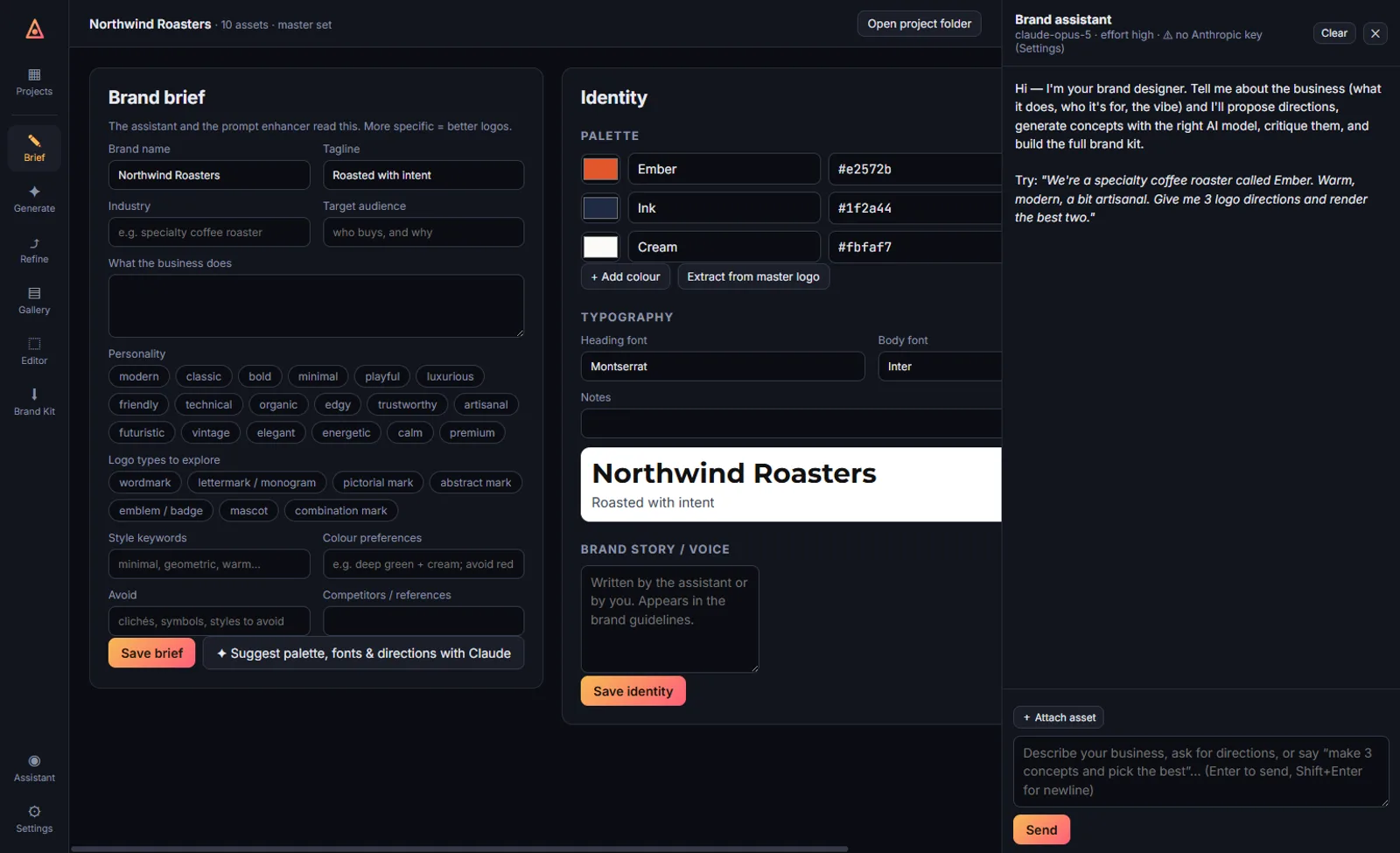
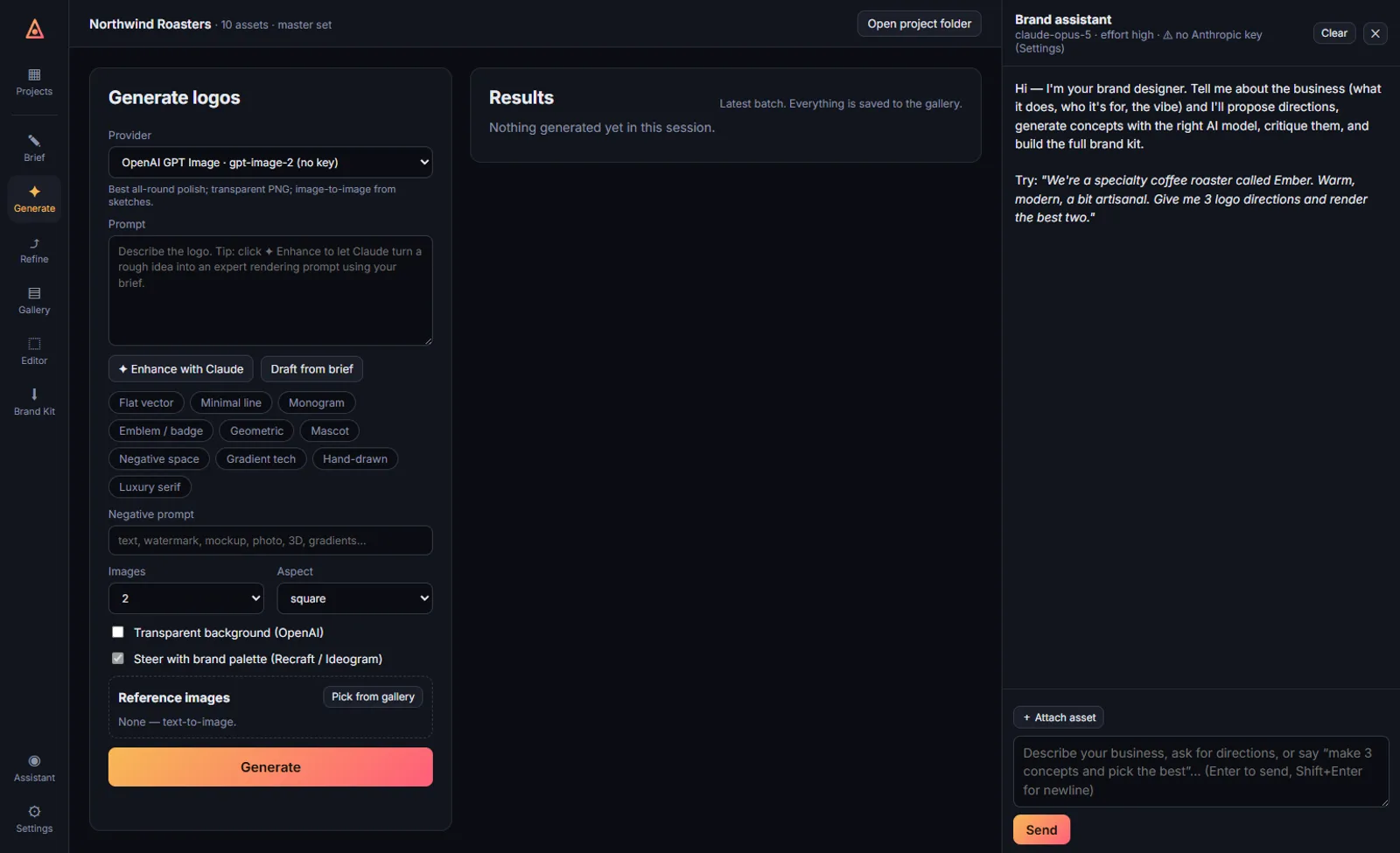
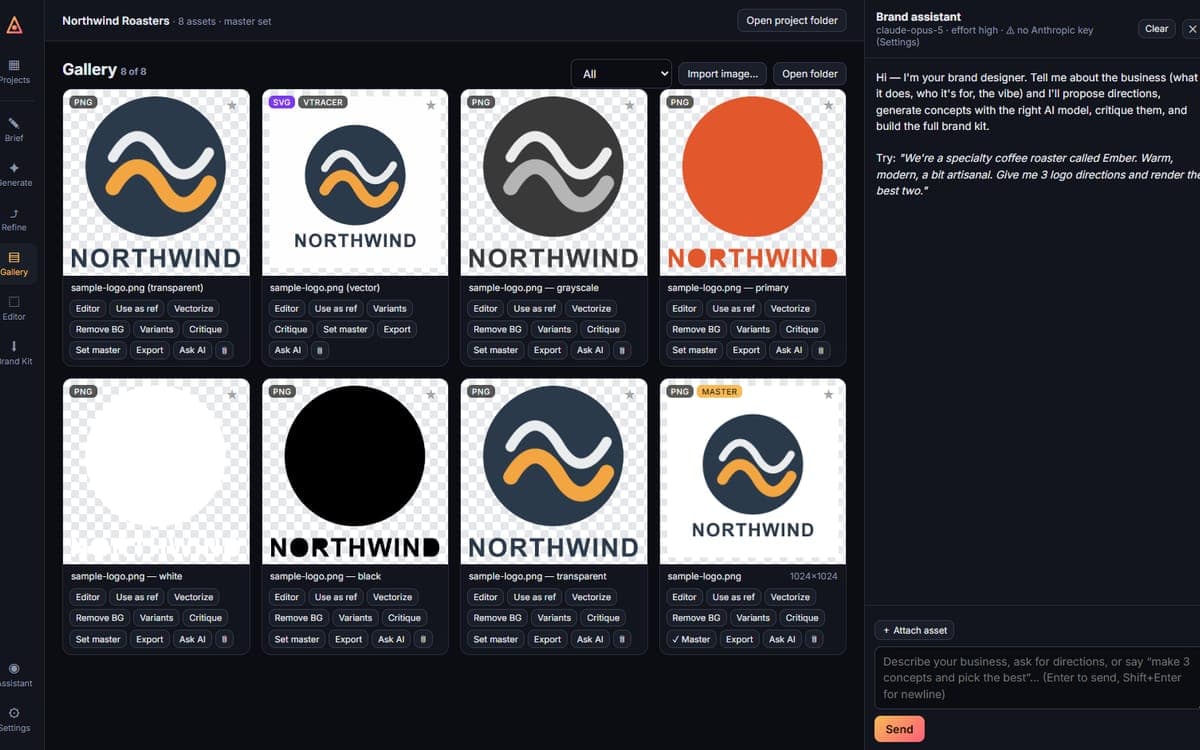
Projects, then a brief: business, audience, personality, logo types, style keywords, things to avoid. Then the assistant or a manual generate screen with provider, prompt enhancement, style presets, aspect, transparency, palette steering and reference images. Refine by dropping in a sketch and going image to image with any provider. The gallery is where the work gets judged: favourite, vectorize, remove background, mono, white and black variants, critique, export as PNG, JPG, WEBP, ICO or SVG.
From there an editor and the brand kit. The editor is a fabric.js canvas with text in more than sixty Google Fonts plus the system ones, shapes, imported assets and SVGs, layers, undo and redo, palette swatches, and export straight back into the gallery.
One click, forty-nine files
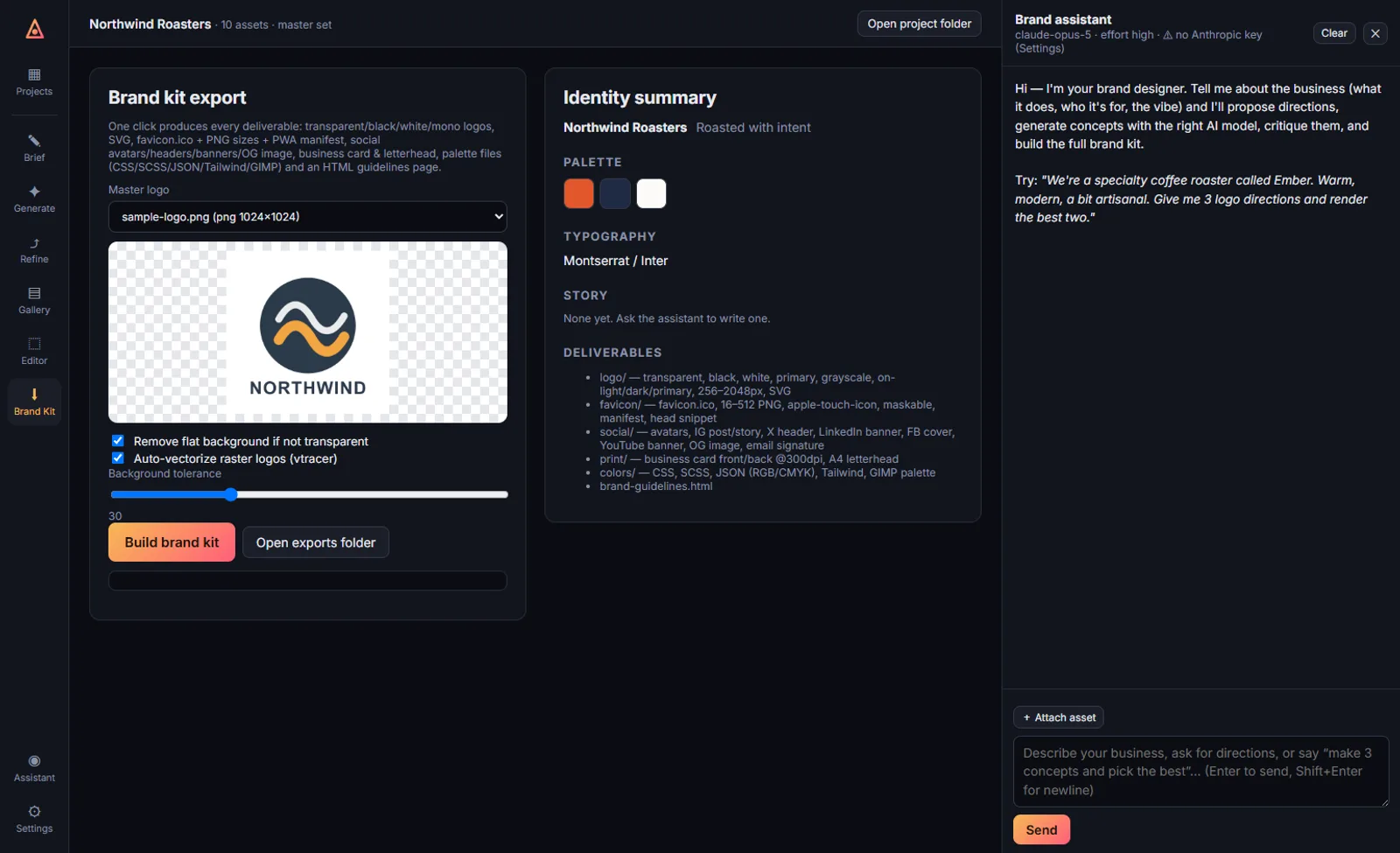
The kit builder produces transparent, black, white, primary and grayscale logos, SVG, a favicon.ico with PNGs from 16 to 512 pixels, an apple touch icon and web manifest, social avatars, headers, banners and an Open Graph image, a business card and letterhead at 300 dpi, the palette as CSS, SCSS, JSON, Tailwind and GIMP, and a generated brand guidelines page. In the self-test run behind these screenshots that was 49 files in about a second.
All of the local image work, the variants, vectorizing, background removal and resizing, runs through sharp and a local vectorizer. None of it needs a provider call.
Local, private, and shipped
API keys are encrypted with Windows DPAPI and stored per user, and environment variables work too. Projects, assets and exports live in a local Documents workspace. Nothing leaves the machine except the generation requests themselves.
It is packaged with electron-builder into an NSIS installer with an Add or Remove entry, Start Menu and desktop shortcuts and its own icon. About 3,900 lines of plain JavaScript across the main process, providers, image ops, kit builder, assistant, renderer and editor, with no framework and no bundler. It also ships a keyless end-to-end self-test that drives the real interface, creating a project, importing a mark, making variants, exporting from the editor and building the kit, so a packaging change can be checked without spending a single API call. The screenshots on this page come from that run, on a sample project with no keys configured.